
Audience messages on the stage screens: how it went at Molan los 2000
At the Molan los 2000 festival (Logroño, 24 October 2026), the crowd sent messages, shout-outs and selfies to the stage screens by scanning a QR code, with no app. Here's how it worked and what your festival needs to do it.
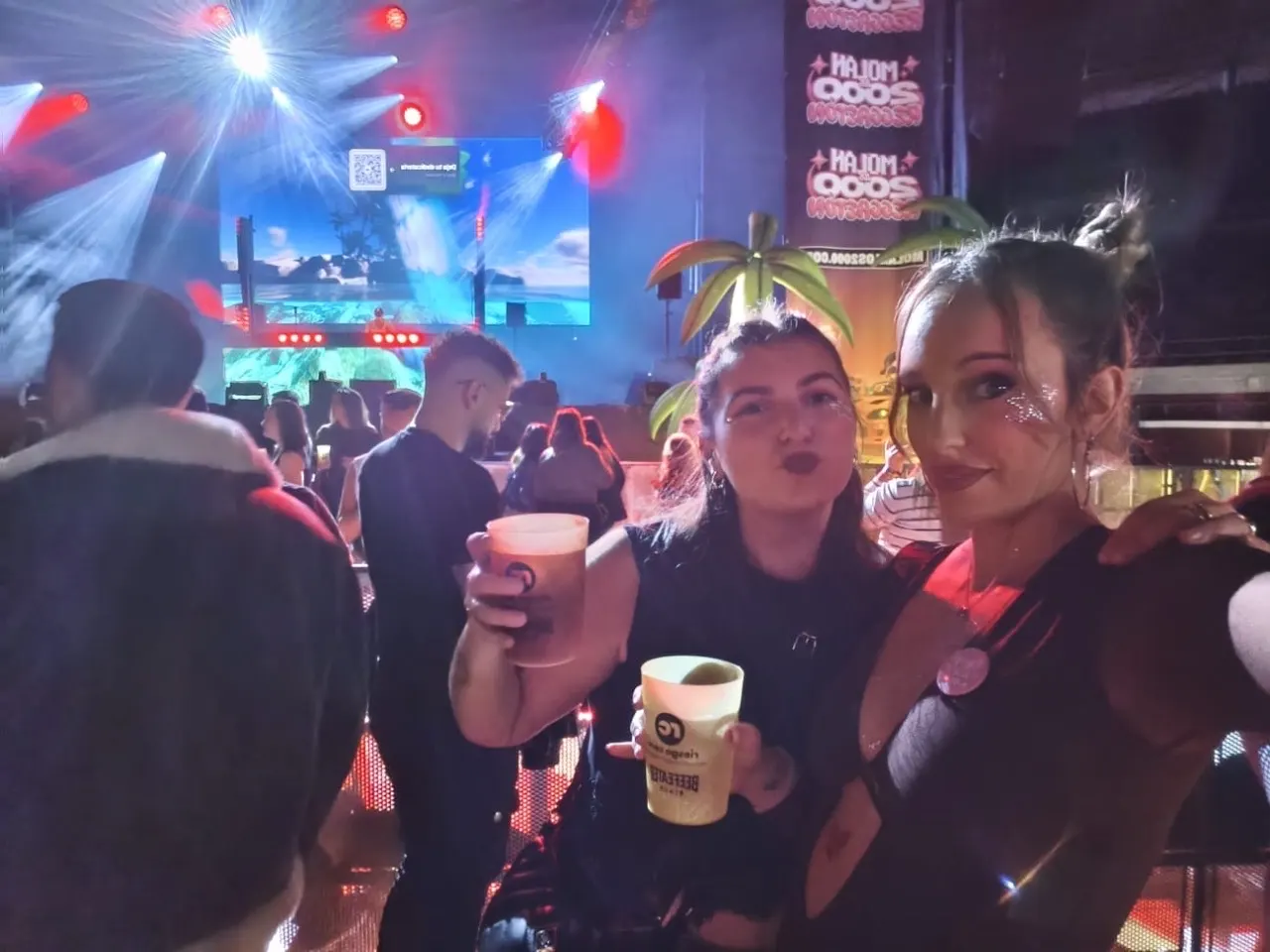
At Molan los 2000 (Logroño, 24 October 2026), the crowd scanned a QR code and sent messages, shout-outs and selfies to the stage screens. No app, no account, straight from their own phones. The screens stopped being just lights and videos: the people standing in front of them showed up too.
What happened on the Molan los 2000 screens?
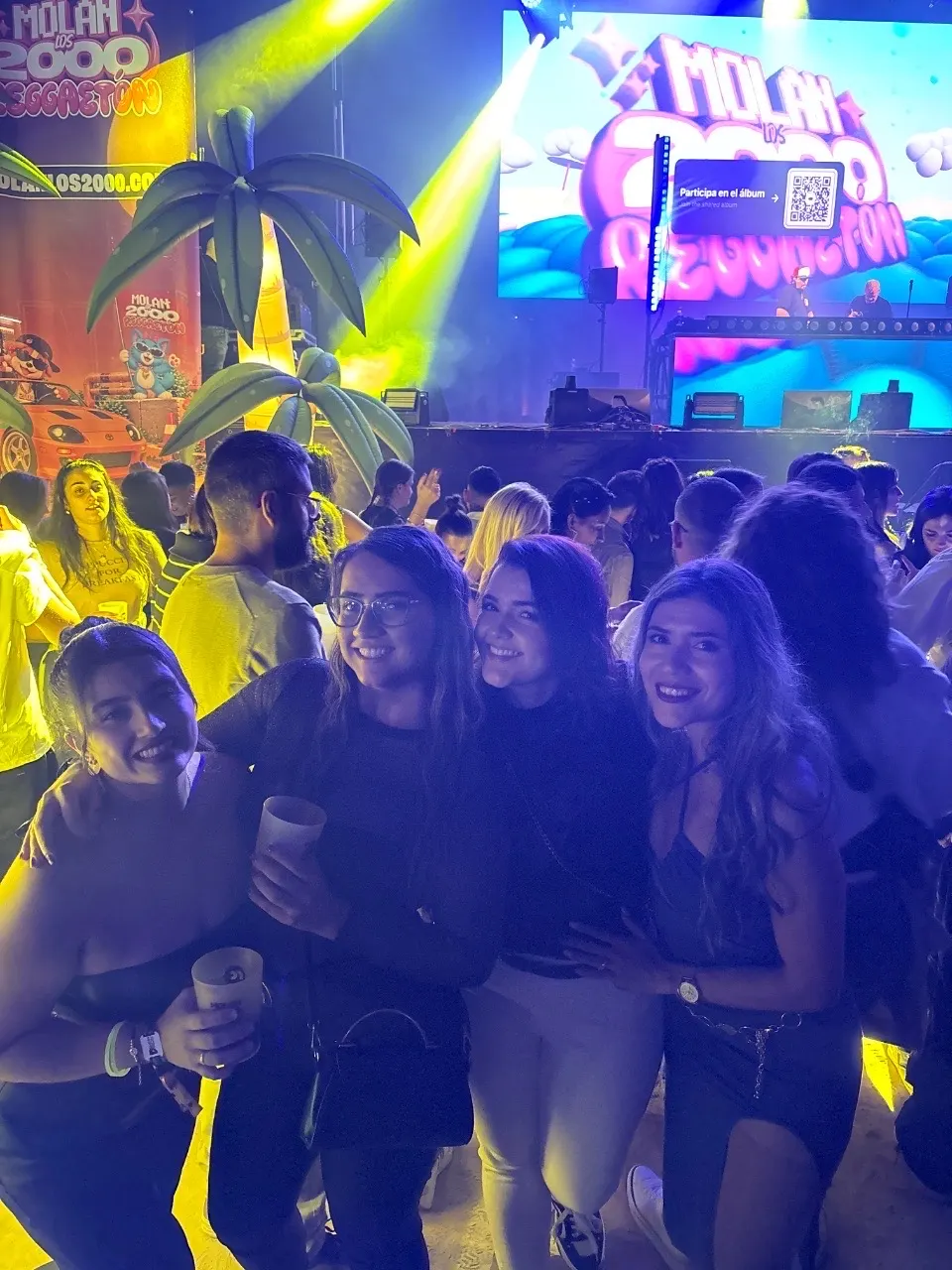
A QR code appeared on the stage screens. Anyone who scanned it could send a message or a shout-out, or upload a photo. A little later, that message or selfie came up big, above the stage, for the whole venue to see.
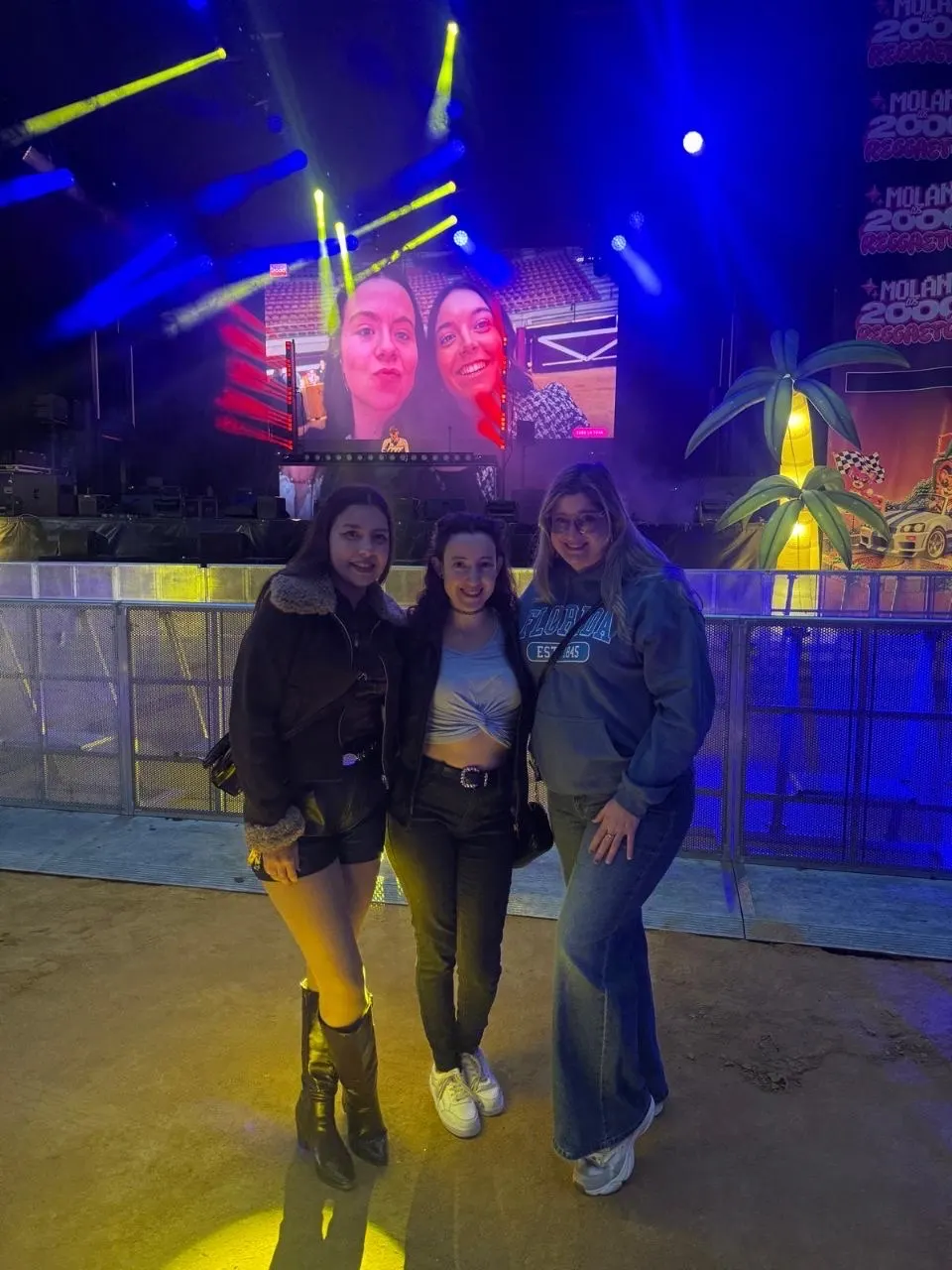
This is how it looked that night:
The best part is what happens down below. People look for themselves on the screen, take photos with their selfie in the background and show their friends. The stage becomes something that belongs to the crowd, not just the artist.
How does the crowd send a message to the screen?
In three steps:
- They scan the QR code shown on the screen.
- They write the message or pick the photo. No need to download anything or create an account.
- They send it and it comes up on the stage screen.
Each attendee can also upload their photos to the event album, so everyone has the photos of the night in one place.
Are the messages free or paid?
The festival decides. They can be free or paid. If they’re paid, people pay by card, Apple Pay, Google Pay, Revolut Pay or PayPal, and they’re only charged if the message comes up on screen. If it doesn’t, nothing is charged. The price already includes the handling fees.
What if someone is in a photo and doesn’t want to be?
They can hide it instantly. In Enjoy, anyone who appears in a photo can tap “That’s me and I don’t want it shown” and the photo stops being shown. That matters at a festival, where there are lots of people and not everyone wants to appear on a giant screen.
What does a festival need to do it?
Less than you’d think:
- A screen. Enjoy works on any TV (tv.enjoytheclub.app).
- If your stage screens run on Resolume, Virtual DJ or similar software, there’s the Enjoy Screen desktop app for Windows.
- A clearly visible QR code on the screen.
If your festival already has screens, the rest is just setting up the event.
If you’re interested in the photos-on-screen side, we also cover it for nightclubs in guest photos on the venue screen with a QR code.
Frequently asked questions
Does the crowd need to download an app?
No. They scan the QR code with their phone camera and can send messages, shout-outs and photos right away.
Does it work with LED stage screens?
If your screens run on Resolume or similar software, yes: that’s what the Enjoy Screen desktop app for Windows is for. And it works directly on any TV.
Can you charge people to appear on screen?
Yes, if the festival wants to. People are only charged when the message comes up on screen.
How much does it cost for a festival?
It depends on the festival and what you want to set up. For festivals and large events, we’d rather talk it through with you.
Let’s talk about your festival
Tell us about your screens and your crowd, and we’ll work out how to make the stage theirs too.